Quick Start
How to quickly optimize your PC for gaming.
| Tip |
|---|
| Disable mouse ACCELERATION in windows and in-game |
| Keep mouse SENSITIVITY at the default 6/11 in windows, 800DPI in manufacturer settings, and adjust it in-game |
| Update your drivers, specifically NVIDIA GPU drivers |
Browse Guides
Comprehensive guides to help you get the most out of your gaming experience.
General
Hardware, software, and settings guides
Games
Game-specific guides and optimizations
Skincare
Skincare products, routines, and treatments
Recipes
A collection of recipes
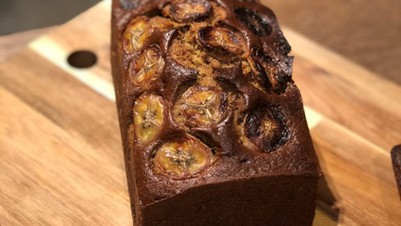
Banana Bread
Serves 16
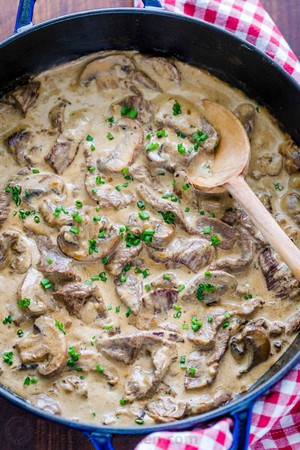
Beef Stroganoff
Serves 4

Banoffee Pie Cups
Serves 5-10

Better Than Sex Cake
Serves 16 to 20
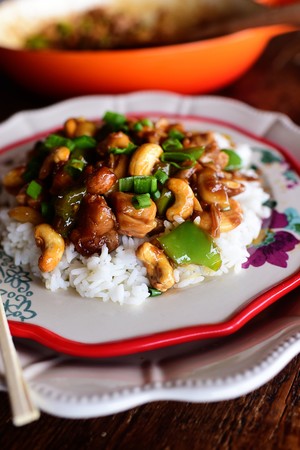
Cashew Chicken
Serves 8
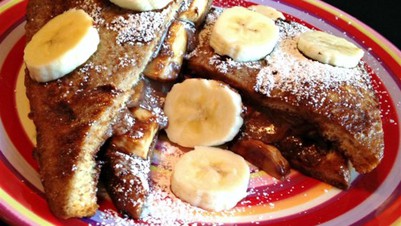
Banana and Nutella French Toast
Serves 2
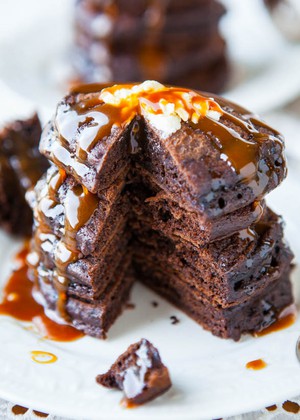
Chocolate Buttermilk Pancakes
Serves 10
Chocolate Chip Cookie Dough Mug Cake
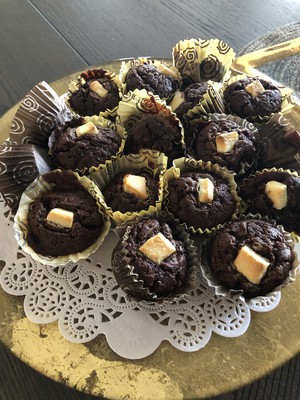
Chocolate Muffins
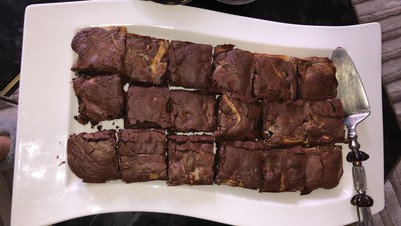
Chunky Cheesecake Brownies
Serves 16
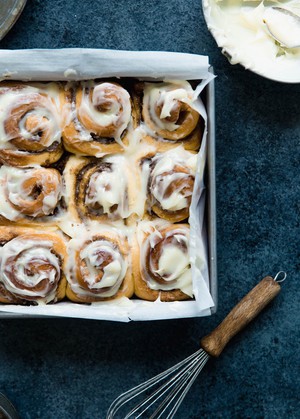
Cinnamon Rolls
Serves 9
Cookie Brownie
Serves 16 brownies

Domino’s Marbled Cookie Brownie
Serves 9
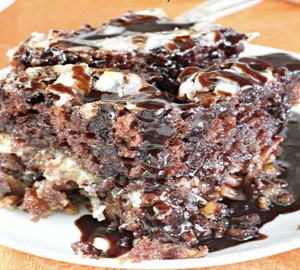
Earthquake Cake
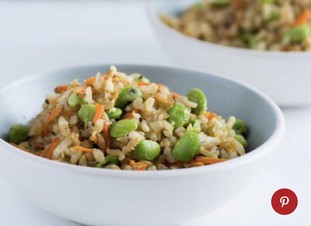
Edamame Fried Rice
Serves 4 to 6
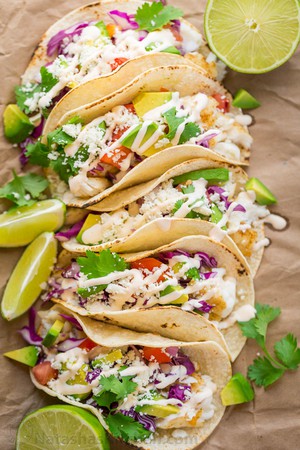
Fish Tacos
Serves 24 tacos
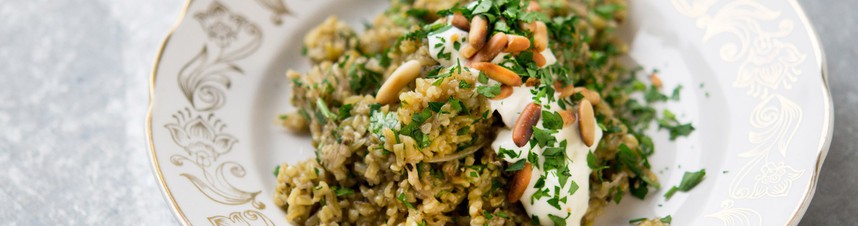
Freaked Pilaf
Serves 2-4
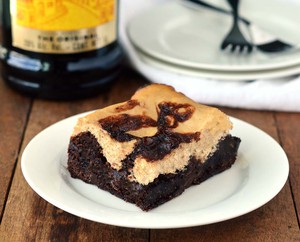
Kailua Cheesecake Brownies
Serves 8 inch square
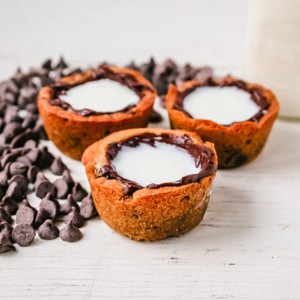
Milk and Cookie Shots
Serves 16

Neiman-Marcus Chocolate Chip Cookies
Serves 96 cookies
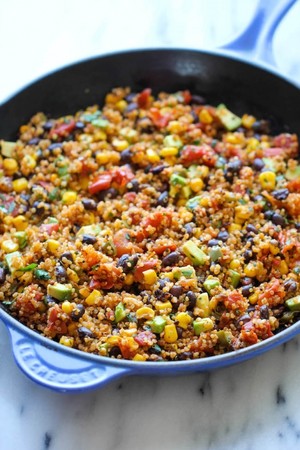
One Pan Mexican Quinoa
Serves 4
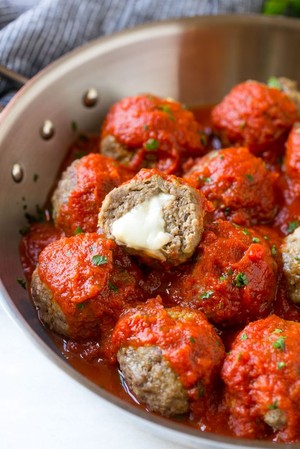
Mozzarella Stuffed Meatballs
Serves 6
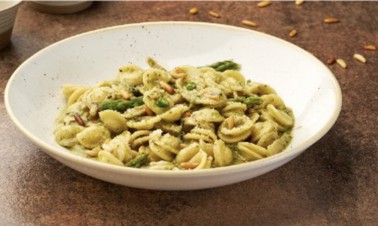
Pasta with Green Pesto & Mascarpone
Serves 6

Peanut Butter Chocolate Mug Cake
Serves 1
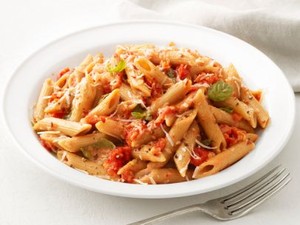
Penne with Vodka Sauce
Serves 4
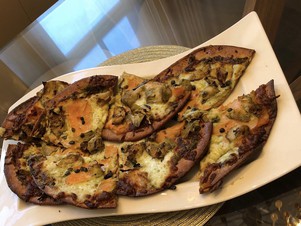
Smoked Salmon Pizza
Makes 2 pizzas
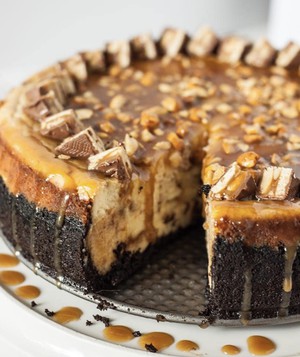
Snickers Cheesecake
Serves 10 slices
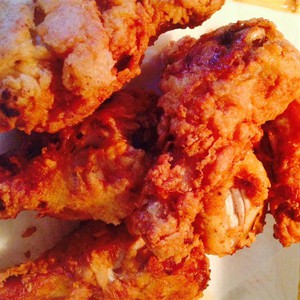
Southern-Style Buttermilk Fried Chicken
Serves 8
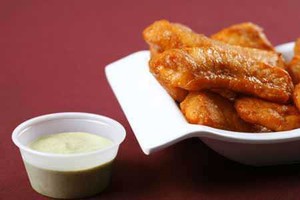
Tandoori Fish
Serves 4
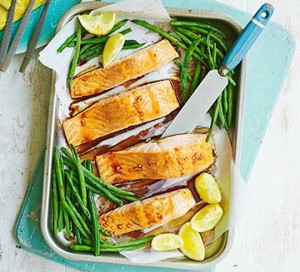
Teriyaki Salmon & Green Beans
Serves 4
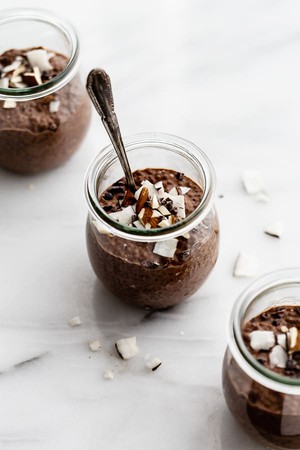
Triple Chocolate Chia Pudding
Serves 2-3
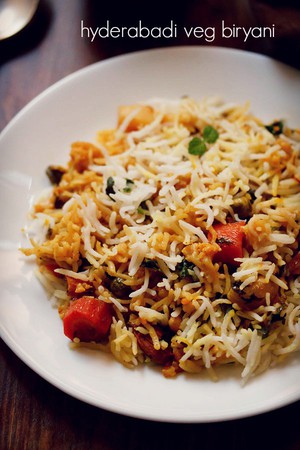
Vegetable Biryani
Serves 5